
The ClubHouse Casino App on Android and iPhone
The download question first, since that is what brought you here: there is nothing to download. No APK, no Play Store page, no App Store page. What ClubHouse built instead is a website engineered to install itself, and any phone made this decade will pin it to a home screen in about fifteen seconds. The icon behaves like an app — full screen, no address bar, straight into the AUD lobby. You can have it in the next minute. It just does not come from a store.
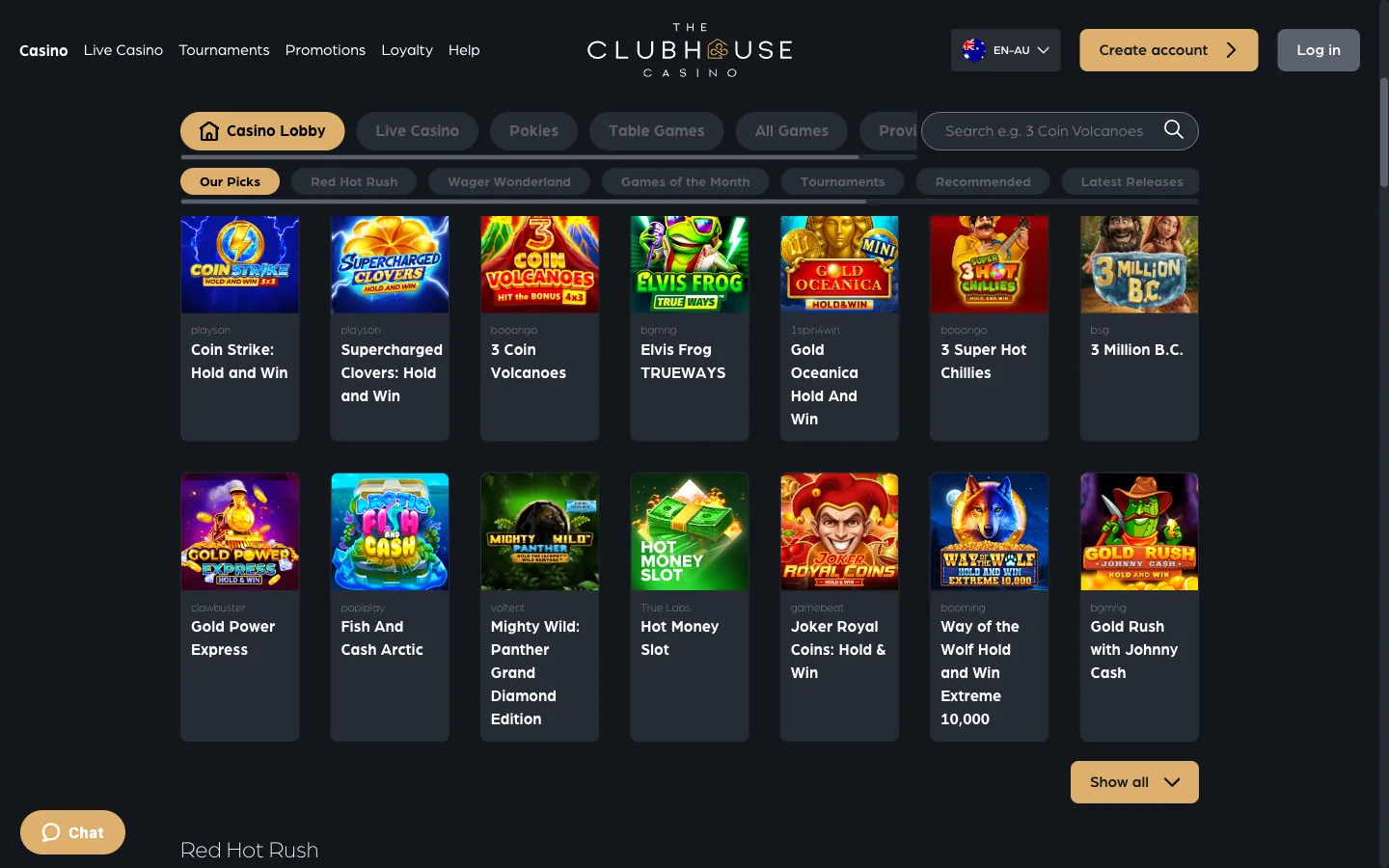
Is There a Real ClubHouse Casino App to Download?
No. And it is worth being precise about what "no" covers, because the pages telling you otherwise are oddly specific — one of them even quotes a file size for an APK that has never existed.
ClubHouse ships no installable file of any kind. There is no Android APK published by the operator. There is no Google Play listing for The ClubHouse Casino. There is no Apple App Store listing. Nowhere on theclubhousecasino.com does a download button, a store badge or an install file appear — and I looked at every footer and mobile menu on the site rather than taking anybody's word for it.
Here is the part that actually decides it. ClubHouse runs on Next.js and ships a proper web manifest — the small configuration file a browser reads when it decides whether a site is installable. That manifest declares standalone display mode, sets a start address, names a near-black theme colour that paints the phone's status bar to match the lobby, and carries a full icon set: 192-pixel and 512-pixel artwork for Android, Apple touch icons for iPhone. Somebody at Novatrix made this thing installable on purpose.
So the honest answer and the useful answer are the same answer. You cannot download a ClubHouse app. You can absolutely have a ClubHouse app icon, sitting between your banking app and your camera, opening a full-screen casino with no browser around it.
Adding The ClubHouse Casino App to an iPhone Home Screen
On an iPhone it is a short run through the share sheet, and the step in the middle is the one everybody misses.
- Open ClubHouse in Safari. Load the casino in Safari and let the lobby finish drawing. Safari is not a preference here, it is the requirement — Chrome and Firefox on iPhone are never given the Add to Home Screen control by iOS.
- Tap the Share button. That is the square with an arrow lifting out of the top of it. On a current iPhone it sits in the bar along the bottom of the screen; on much older ones it hides up next to the address bar.
- Scroll down to Add to Home Screen. The share sheet opens on AirDrop and Messages, so the option is not visible yet. Drag the lower list up past Copy and Add to Bookmarks and you will find it sitting there.
- Give the icon a short name. iOS proposes the full page title, which is far too long and gets cut off with dots. Delete it and type ClubHouse so the label reads cleanly under the icon.
- Tap Add in the top right. The sheet closes and the icon lands on your last home screen page. Open it once to check: the lobby should fill the display with no address bar above it and no browser tabs anywhere.
What you gain is mostly screen. Safari's address bar and toolbar between them swallow a decent slice of an iPhone display, and on a pokie with a tall reel set that is the difference between seeing the whole grid and thumbing at it. The status bar recolours to the casino's own dark tone, so the join at the top disappears. Nothing gives away that this started life as a bookmark.
One iPhone quirk to know. Deleting the icon deletes the site data behind it, which means the next install starts you signed out. That is not a fault, it is how iOS scopes storage — but do not delete the icon to "fix" a slow lobby and then wonder why you are back at the login panel.
Installing The ClubHouse Casino App on Android
Android makes this easier, and Chrome will often nudge you into it unprompted with a banner along the bottom of the lobby. Ignore the banner and the manual route is four taps.
- Load ClubHouse in Chrome. Any recent version does the job. Let the lobby render before you go looking in the menu, because Chrome only offers the install option once it has read the site's manifest.
- Open the three-dot menu. Top right, beside the address bar.
- Choose Install app. Older Chrome builds phrase it as Add to Home screen instead, in the same spot on the same list. Both do exactly the same thing.
- Confirm, then check your drawer. A small dialogue asks you to approve it. Say yes and the ClubHouse icon appears on your home screen and in the app drawer alongside everything you got from Play, sorted under C.
Samsung phones out of the box use Samsung Internet rather than Chrome, and it hides the same feature under a slightly different name: the menu button, then Add page to, then Home screen. Firefox for Android calls it Install and buries it a little further down the menu. The result is identical in all three, because all three are reading the same manifest file the casino publishes.
Android is the friendlier of the two platforms once it is installed, too. The icon gets its own entry in the recent-apps carousel, so switching between ClubHouse and your messages does not reload the lobby the way flicking between Safari tabs sometimes does.
What The ClubHouse Casino App Can and Cannot Do
Now the technical bit, in plain English. A site becomes installable through two separate pieces: the manifest, which tells the phone what to call the icon and how to draw the window, and a service worker, which is a small script the browser keeps running in the background so the site can answer requests when the network cannot.
ClubHouse ships the first properly. The second is where the story ends early. Its service worker file is registered on every page load, but the file itself is a stub — it takes no responsibility for any request and stores no copy of anything. Think of it as a courier who has been hired, badged and given a uniform, but never handed a parcel to carry.
The practical consequence: the installed app does not work offline. Drop into a lift, lose signal on a train between Sydney and Parramatta, hit a dead spot on the Perth freeway, and the ClubHouse icon shows you the same nothing a browser tab would. No cached lobby, no queued spins, no offline mode. Anyone promising otherwise is describing an app that was never built.
| Home-screen app | Mobile browser | APK from a third-party site | |
|---|---|---|---|
| Where it comes from | The casino's own site, installed by your own browser | Nowhere — you are already there | A stranger's server, with no way to trace who compiled it |
| Updates | Automatic, because it loads the live site every time | Automatic, same reason | Frozen at whatever was uploaded, with no update channel at all |
| Offline play | None. The service worker caches nothing | None | Promised on the download page, delivered by nobody |
| Storage used | An icon and a little site data | Ordinary browser cache | Tens of megabytes of code you cannot read |
| Account security | Same domain, same HTTPS, same login panel | Identical to the installed version | You are typing casino credentials into software nobody vouches for |
| Worth doing | Yes — most screen, steadiest sessions | Yes — perfectly fine, one extra tap | No. Not under any circumstances |
Everything else you would want from a casino app is present, because it is all just the site: the full lobby with its Jackpot Games and Classic Live Games rails, live dealer tables streaming to the phone, the cashier, tournaments, your loyalty tier, and 24/7 live chat in the corner.
Phones and Tablets That Run ClubHouse Casino
The bar is low, and deliberately so. Anything that can render a modern website can run the lobby; the install behaviour is the only thing that varies by device.
| Device | How you install it | What you get |
|---|---|---|
| iPhone, iOS 16.4 or newer | Safari → Share → Add to Home Screen | The best of it. True standalone window, recoloured status bar, no browser chrome at all. |
| iPhone on older iOS | Safari, same route | The icon installs and works, but the window can behave more like a stripped-back Safari tab. |
| iPad | Safari → Share → Add to Home Screen | Full-screen lobby with the rails spread wide. Live dealer tables look their best here. |
| Android phone, Chrome 90+ | Menu → Install app | Icon in the drawer, its own recent-apps card, and a native-feeling window. |
| Android tablet | Chrome, Samsung Internet or Firefox | Same install, more room. Handy for the live tables and the jackpot rail. |
| Older Android, pre-Chrome 90 | Menu → Add to Home screen | A shortcut rather than a clean standalone window, and long lobby scrolls can stutter. |
| Windows or Mac desktop | The install icon in the Chrome or Edge address bar | ClubHouse as a desktop window with its own taskbar icon. Rarely used, quietly excellent. |
Data is the thing worth watching on an Australian plan. The lobby itself is not heavy — a pokie loads its art and audio once, after which each spin is a few kilobytes of back-and-forth — but live dealer tables are genuine video, and an evening at the blackjack tables will move real data. Save those for wi-fi if your plan is capped. And the installed icon holds a session considerably longer than a tab does, since it keeps its own storage and never gets caught in a mass tab-clearing.
The ClubHouse Casino APK Files Floating Around
Search the brand name with the word APK and you will find results. Download pages with version numbers, file sizes, star ratings, a fake changelog. They look thorough. They are describing a file the operator never made.
Think about what you would actually be doing. An APK is an application package that runs with real privileges on the phone that holds your banking apps, your email, your two-factor codes and your photos. Android will make you switch off a safety setting to install it, and that warning is not bureaucracy — it is the operating system telling you it cannot vouch for what you are about to run.
Normally you would resolve that by comparing the file against the publisher's official release. That is the whole point of checking a hash: you verify that the copy in your hand matches the copy the company signed. Here there is no official release to compare against. None. Which means there is nothing legitimate any of those files could be, and the only open question is what the person who compiled it wanted in return.
- A quoted file size is a tell, not a credential. "45 MB" sounds like somebody weighed something. Nobody weighed anything.
- Version numbers are free to invent. A changelog for an app that does not exist costs its author about a minute.
- Store badges on affiliate pages link nowhere useful. Follow one and it either dead-ends or bounces you to a generic search.
- The real thing is one tap away and costs nothing. Which makes downloading a mystery binary a strange trade at any price.
If what you wanted was a ClubHouse icon on your phone, scroll back up. You already have the two methods, and neither of them asks you to trust a stranger's compiler.
Playing at ClubHouse Casino in a Mobile Browser Instead
Skipping the install entirely is a perfectly reasonable choice, and plenty of people do. Open Safari or Chrome, load the casino, sign in, play. Everything works: the rails scroll, the Hold & Win pokies from Playson and Booongo run at full speed, the live tables stream, the cashier opens, tournaments and loyalty points tick over the same as always. Nothing is held back for installed users, because there is no such distinction — it is one site either way.
What you give up is small and real. A tap or two more to get in, every time, because you are hunting a bookmark rather than an icon. A permanent strip of address bar and toolbar eating vertical space, which matters more than you would expect on a phone in portrait. And sessions that end sooner, since mobile browsers prune cookies aggressively and Safari on iPhone is especially quick to do it. Bookmark the domain and you are most of the way there anyway.
One thing that applies to both routes: the shortcut remembers the exact domain it was saved from. ClubHouse runs numbered mirror addresses alongside its main one, and those rotate. So if an icon that worked for months suddenly opens a browser error, the mirror behind it has most likely stopped answering — delete it, open a domain that responds, and install again. The ClubHouse login page tracks which addresses are currently live.
The ClubHouse Casino App Questions Australians Ask
Not as a download, no. Google Play carries no listing and the operator publishes no file. Chrome installs the site itself instead, and the icon lands in your app drawer.
Nowhere worth going. Novatrix has never released one, so every file carrying that name was built by a stranger and there is no official version to check it against.
Open the casino in Safari, tap Share, scroll the sheet down to Add to Home Screen, shorten the name and tap Add. Chrome on an iPhone cannot do this.
It does not. The service worker is registered but caches nothing at all, so the installed icon needs a live connection exactly as a browser tab does.
There is no App Store entry and no Play Store entry. The home-screen install is the only route to an icon, and it comes from the website rather than a store.
Not a cent, and it barely touches your storage. The install writes an icon plus a little site data. No package is downloaded and no phone permissions are requested.
Pokies are cheap to run — art and sound load once, then spins are tiny messages. Live dealer tables are video, so those are the ones that eat a capped plan.
Chrome calls it Install app. Samsung Internet puts it under Add page to, then Home screen. Firefox says Install. Different wording, identical result on the home screen.
Generally yes. The installed window holds its own storage, so it survives the tab clearing and cookie pruning that logs people out of ordinary mobile browsing.
The home-screen install is, because it adds no code to the phone. A downloaded gambling APK is a completely different proposition and deserves a hard no.
Fifteen seconds from a browser tab to an icon
Open ClubHouse on the phone you are holding, install it while you are there, and the welcome package of A$5,000 plus 200 free spins is waiting at the cashier when you fund the account.
Claim the A$5,000 package at ClubHouse